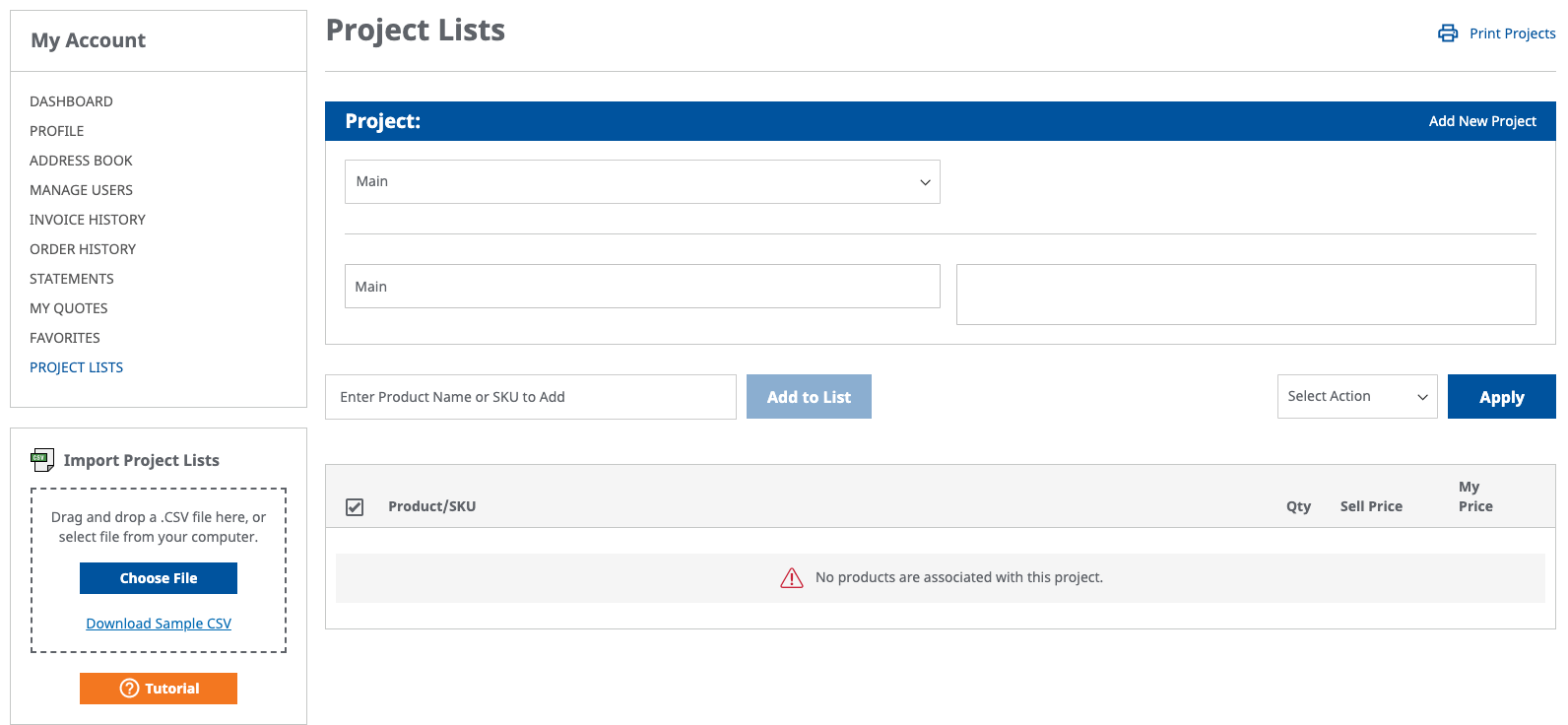
The project list import feature allows users the ability to easily and efficiently import small to large lists of SKUs that are assigned and to be ordered at once for a specific project. This feature can also be used for customers that have reoccurring projects of similar scope for easy ordering.
Click on the Download Sample CSV link in the lower left side of the screen.
Locate the csv file in the location you download it. The file name will be import-projects.csv.
Once the csv is open, you will see two columns. First is for SKU and second is for quantity. Fill in respective SKUs and quantities.
Once all SKU's and quantities are entered correctly, please save file as same csv format.
Once ready to import , select the choose file button and select the import-projects.csv file.
Click the "Import CSV" button and this will import all SKUs into the quick order screen.
Depending on how large the file that is being imported; you will receive notice once the SKU's have been imported into the specific project.