
Order History Tutorial
You can view your complete online order history through our order history feature with ability to re-order and print orders.
In order to take advantage of this functionality, you'll need to be signed into your account.
Search/Filter Function
The order history search bar allows customers to filter and search by PO Number, Order #, SKU #, From and To dates of an order. Users can search/filter by one or multiple options at any time. Click clear to reset your filters.

Order History Export
The order history search bar allows customers to filter and search by PO Number, Order #, SKU #, From and To dates of an order. Users can search/filter by one or multiple options at any time. Click clear to reset your filters.

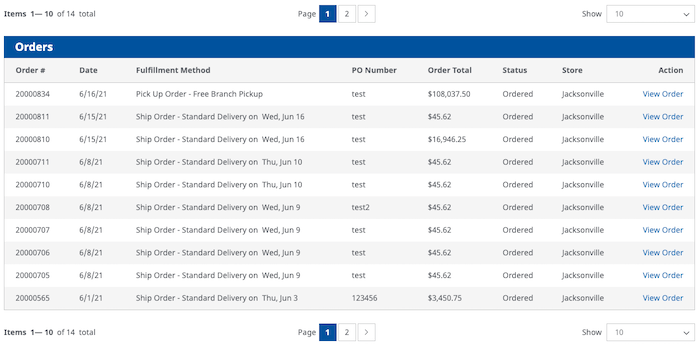
Order History List View
All customers online orders will show within each customers order history. Users are able to view a certain number of orders as any given time. Customers can click on "View Order" and will be shown full order details. Customers have the ability to re-order a specific order with 1 click ordering. Users are also to view and print individual orders as needed from their customer account.