Yorknow provides our customers the ability to search for various product related documentation that includes brochures as well as installation, user, and repair guides for specific products or models. All pdf documents are available for download. You can search within product document search.
Search Bar
The search bar allows customers to manually enter text related to the product. Product name, product model, or SKU# can be searched.
Smart Search Functionality
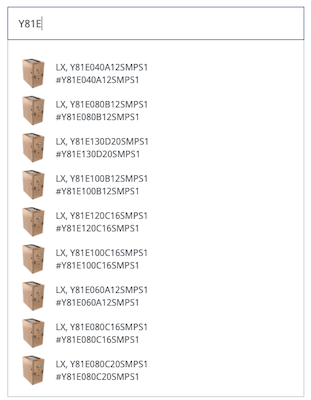
Our smart search functionality allows for smart search and will auto list up 10 related listings to your search criteria.
Users must enter at least 3 characters to view your smart search results. The more detailed the search is, the more refined the results will show.
After typing in min 3 characters, the search will start returning results. You may see a brief pause during this process.
Smart Search Results
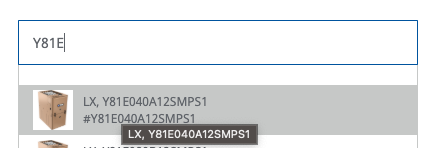
Once the search results appears the user can select the SKU for the product documentation being searched.
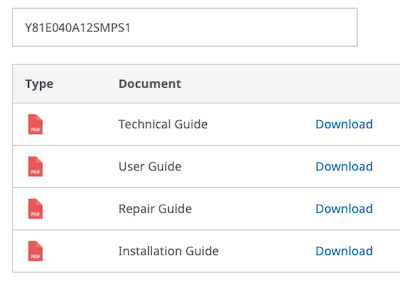
When the SKU is selected, the user will see a list for all the available product documentation for that SKU.
Each availability product document is provided as a .PDF file that can be viewed online or downloaded.