
Account Statements Tutorial
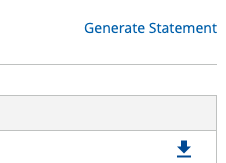
At the start of a new month, the previous months account statement will be available for viewing and download. Users can also generate statements on the fly by clicking the "Generate Statement" link inside the account statement page. This will generate a statement with today's date and will show all open transactions for your account. When generated the statement will be emailed to your email address on file within 5 minutes.
In order to take advantage of this functionality, you'll need to be signed into your account.
Statements List View
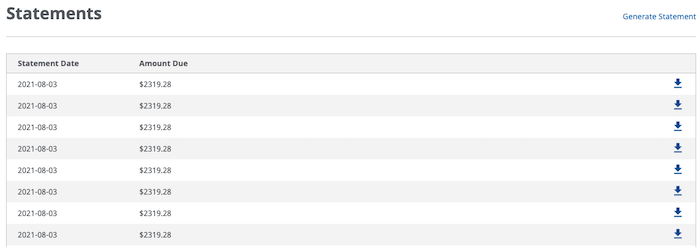
Once you access "Statements" in the left navigation under "My Account" section, you will be able to view all monthly statements for the past 1 year. Users will see statements sorted by date with the most recent statement first. To download a statement click on the  icon to download s .pdf version of your monthly statement.
Generate Statement
Statements are also available real time via the "Generate Statement" link just above to the right of the list view. Clicking this link will generate a real time current account statement dated same day that will be generated as a .pdf and emailed to your email address on file.